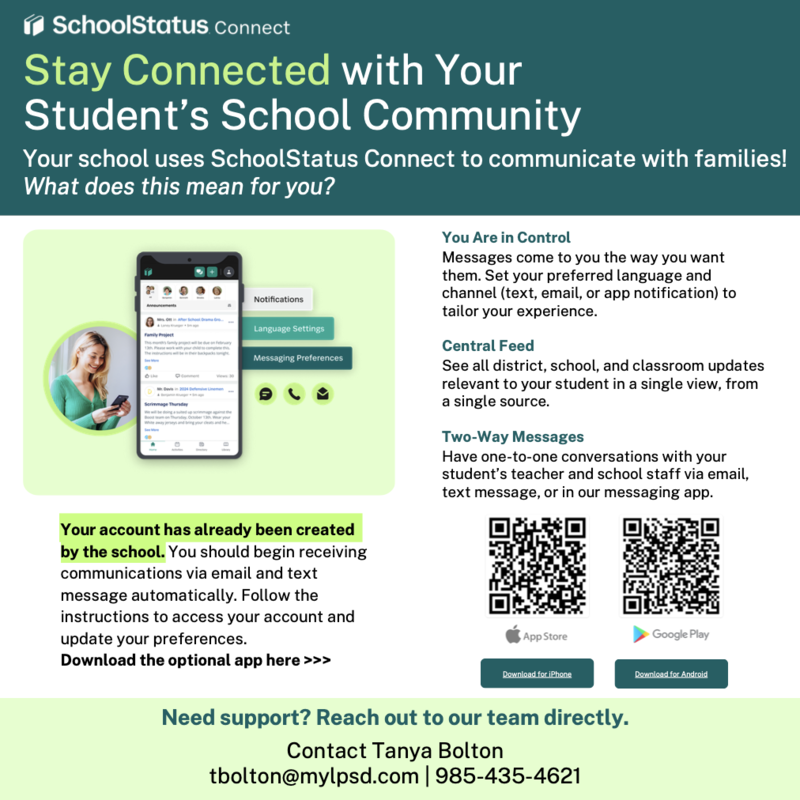
To contact your child's teacher, you may do so through the SchoolStatus Connect app. After downloading the app and logging in with your child's 7-digit student ID, select your child, tap Directory at the bottom of the screen, choose the teacher you want to contact, then tap the green message icon to send a message.
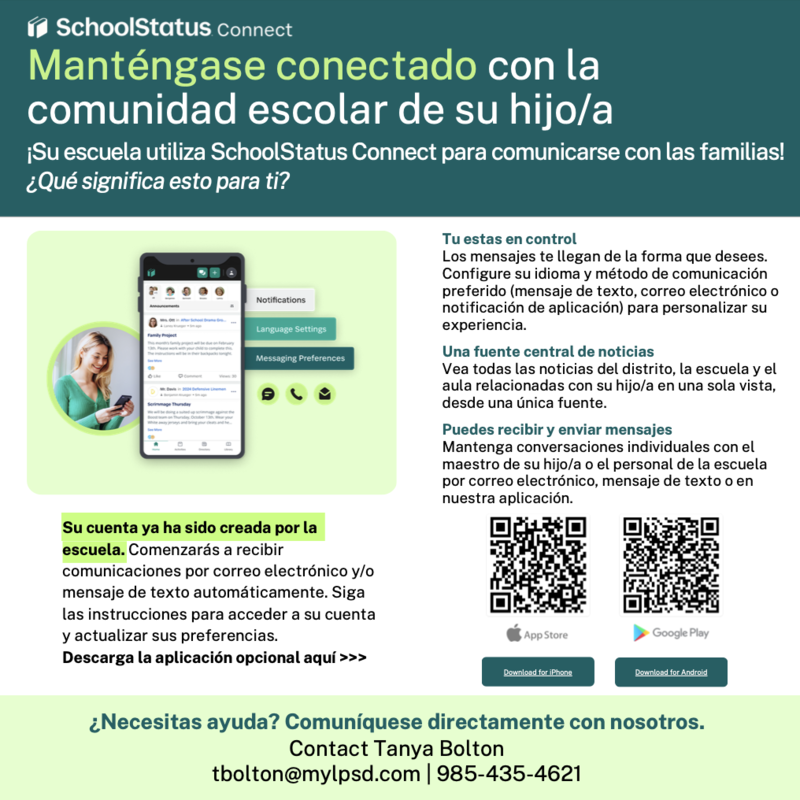
Para comunicarse con el maestro de su hijo, puede hacerlo a través de la aplicación SchoolStatus Connect. Después de descargar la aplicación e iniciar sesión con el número de identificación estudiantil de 7 dígitos de su hijo, seleccione a su hijo, toque "Directory" (Directorio) en la parte inferior de la pantalla, elija el nombre del maestro y luego toque el icono verde de mensaje para enviarme un mensaje.